Visual timer
Mochi Timer
See time pass.
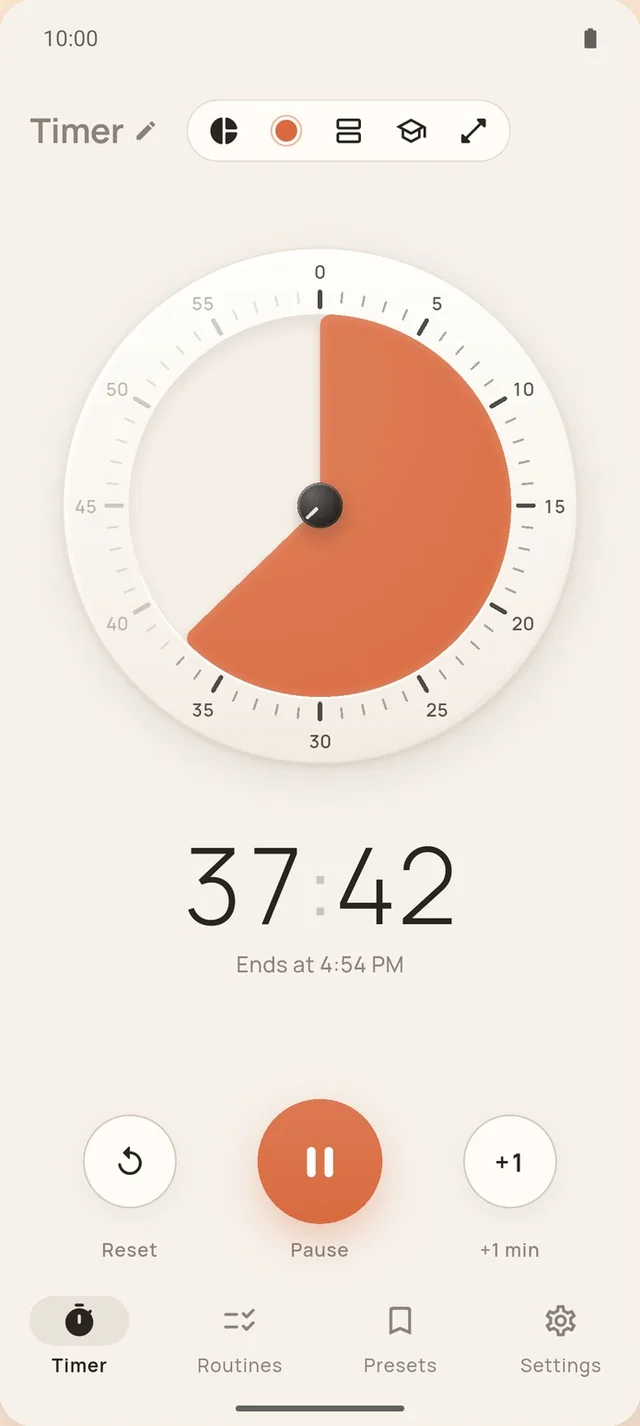
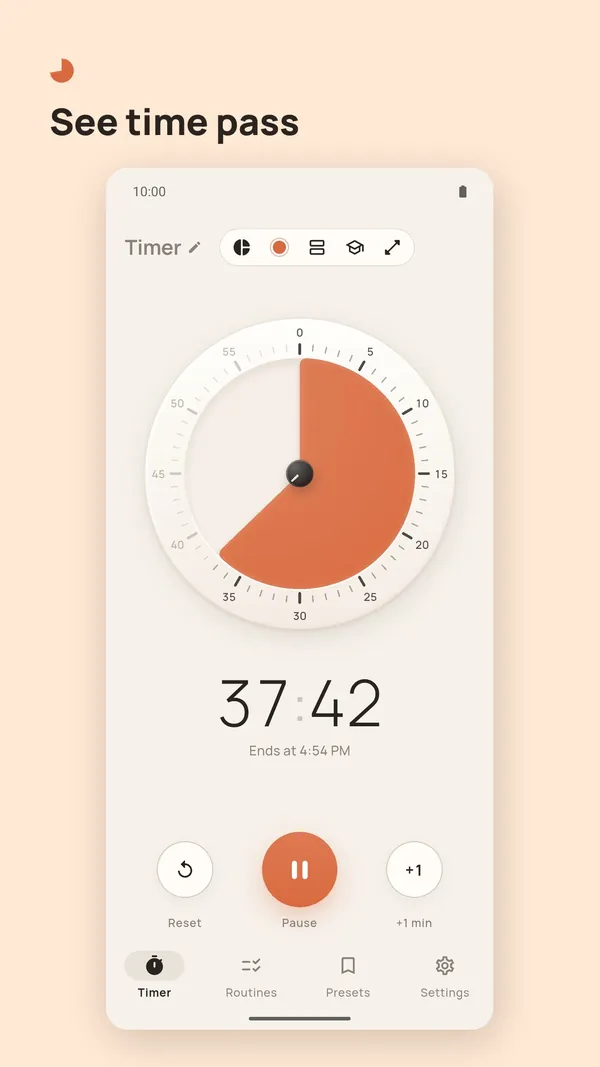
A slice that shrinks as the minutes go by, so one glance tells you how much is left. For focus, cooking, classrooms and family routines.
Free on iPhone, iPad and Android.
Routines
One step leads to the next, without you
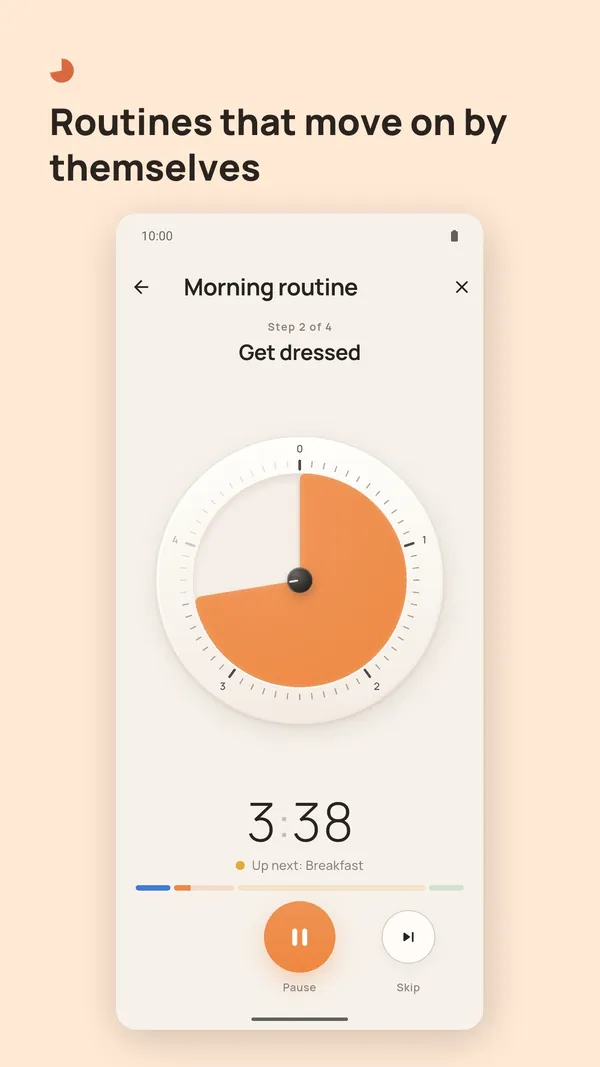
Chain steps into a routine. Each step has its own color and sound, and when its time is up the timer moves on by itself, even in the background. Start from a template or build your own.
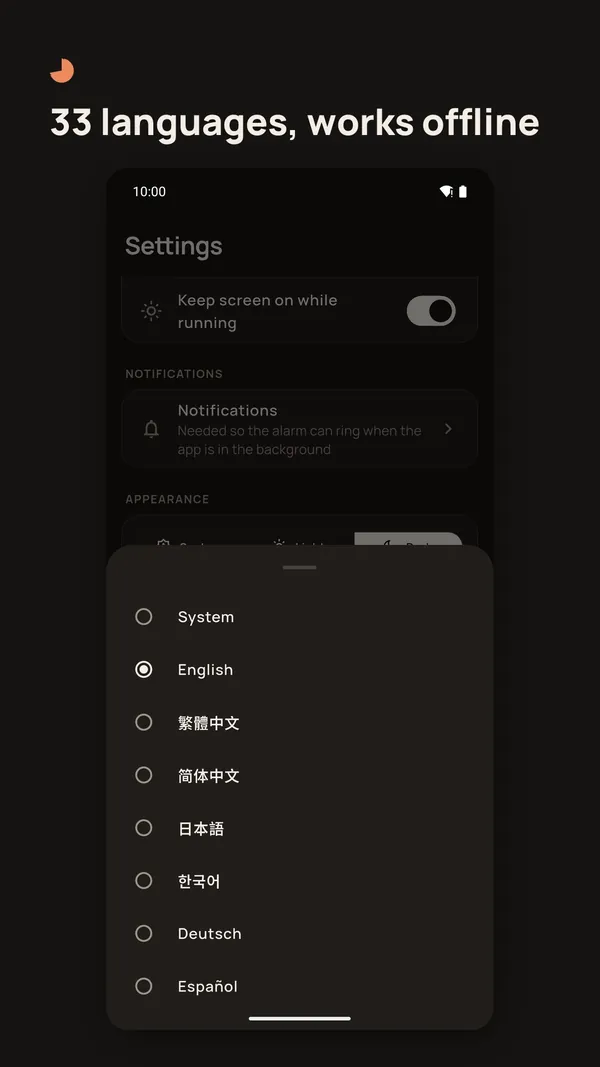
Templates: morning, homework, bedtime, quick workout, class period. Turn on voice announcement and it says what comes next, in 33 languages.
- Brush teeth3 min
- Get dressed5 min
- Breakfast15 min
Visual styles
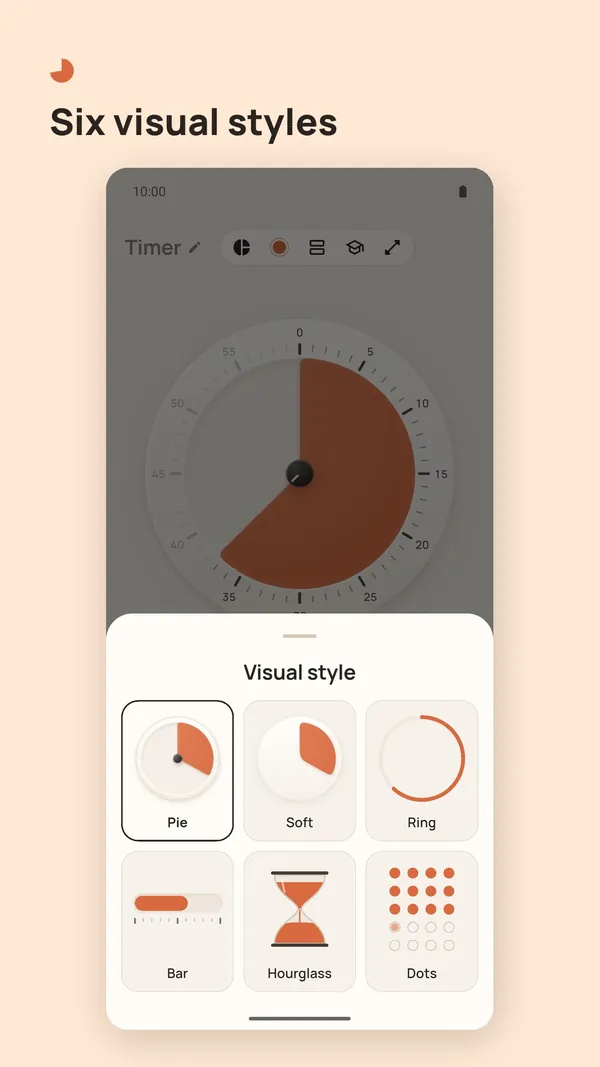
Six ways to see the same minute
Pie, soft, ring, bar, hourglass and dots, in 8 colors, light or dark. Pick the one you can read from across the room.
- Pie
- Soft
- Ring
- Bar
- Hourglass
- Dots
A one-minute timer, running right here.
Classroom mode
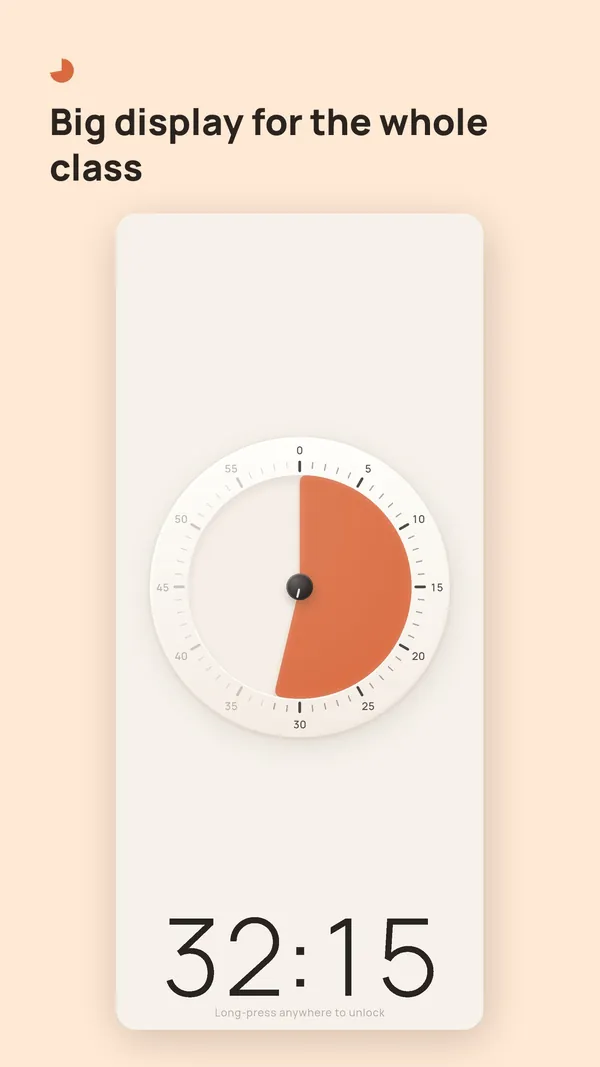
A big display the whole room can read
The controls hide, the dial and numbers fill the screen, and stray taps do nothing. Long-press anywhere to unlock. Made for tablets and landscape, and part of Pro.
Long-press anywhere to unlock
Small details
Things you notice once you use it
A handle to drag
Before you start, a small handle on the edge of the slice shows it can be dragged. Each 5-minute mark gives a firmer tick.
Ticks that stay lit
Ticks inside the time left stay dark and the ones already passed fade. The notch on the knob turns with the slice.
Ends at 1:06 PM
A line under the clock says when the timer finishes, in your 12- or 24-hour format. The colon breathes with the seconds.
Screenshots
Inside the app
Pro
Want a little more room?
Unlimited routines, every style, no ads. The free version stays as it is.
Mochi Timer Pro
- Unlimited routines and steps
- All visual styles and colors
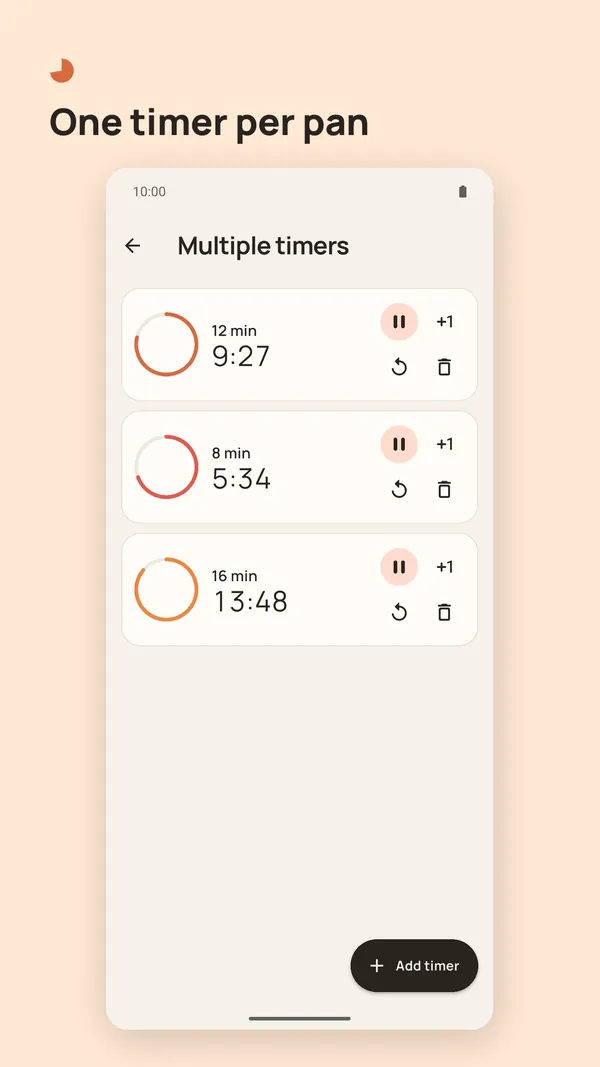
- Several timers at once
- Classroom mode with screen lock
- No ads
Monthly or yearly subscription (the yearly plan includes a free trial), or a one-time lifetime purchase. Prices are shown in the store and in the app.
Free version
Pie, soft and ring styles, 4 colors, and one routine of up to 3 steps; the built-in templates work in full. Ads never appear during a running timer. Watch a short ad to use all styles for the day. Every end sound is free, and so is Alert style: Quiet, Standard or Always loud.
Common questions
Does it work offline?
Yes. Timers, routines and alarms all work without a connection. You only need the internet to buy Pro, and in the free version to load ads.
Will it ring if I close the app?
Yes. When a timer starts, Mochi Timer schedules the alarm with your phone's system, so it still rings after you swipe the app away or lock the screen. Allow notifications when asked. Your phone's silent mode or Do Not Disturb settings can still affect the sound. Under Settings › Alert style, Quiet plays only in headphones and vibrates otherwise, Standard follows the media volume and stays in your headphones when they're connected, and Always loud uses the alarm volume, through the speaker too.
Do I need an account?
No. There is no account and nothing to sign up for: open the app and start a timer. Pro purchases belong to your App Store or Google Play account, and you can restore them from the Pro screen.
Where is my data stored?
Your timers, presets, routines and settings stay on your phone. We have no server of our own and never upload them, and deleting the app deletes them. Separately, the free version shows ads through Google AdMob, and the app uses Firebase for usage statistics and crash reports that are not linked to your identity. The privacy policy has the details.
How do I cancel a subscription?
The store manages your subscription. On iPhone or iPad: Settings › your name › Subscriptions. On Android: Google Play › your profile › Payments & subscriptions › Subscriptions. Cancel at least 24 hours before the current period ends; deleting the app does not cancel it. The lifetime purchase never renews.
About Mochi
Go a little easier on yourself.
Time nags enough already. Mochi makes a different kind of small tool: on time and clear when it needs to ring, quiet the rest of the day. No streaks, no scores, no account, and what you create stays on your phone. The name comes from mochi, the rice cake: simple ingredients, soft, but never sticky. The series is made by CatVerse Lab. It starts with Mochi Timer, a visual timer; a countdown app and a decision wheel come next.