 Cathena AI cat companion
 VISEFF AI photo effects
The Best Cat Games for iPad and iPhone: A Cat Parent's Guide
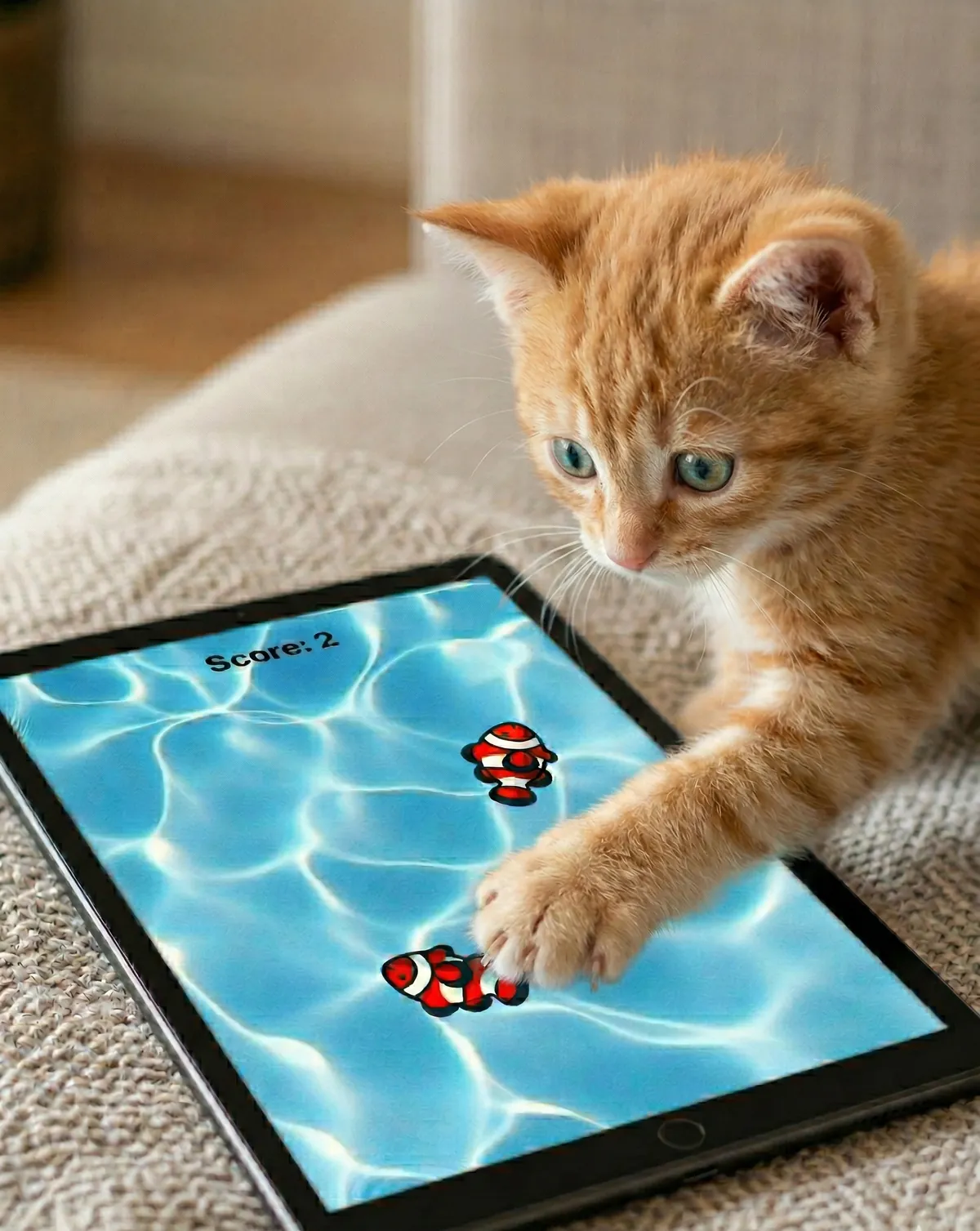
Put a tablet on the floor, start the right game, and something wonderful happens: your cat's pupils go wide, the tail starts to twitch, and the first paw lands squarely on a fish that is not really there. Cat games for iPad and iPhone have become one of the easiest ways to add a burst of play to an indoor cat's day — but not every app is built with cats in mind.
This guide covers what actually makes a good cat game app, how to use one safely, and why we think CatVerse is the best place to start.
Why Screen Games Work for Cats
Cats are hunters first. Even a pampered indoor cat carries the full predatory sequence — watch, stalk, chase, pounce — and that instinct needs somewhere to go. (We explain the science in How Much Play Does Your Cat Actually Need?.)
A well-made cat game taps directly into that sequence. Small, quick shapes darting across a bright screen look a lot like prey, and the response is often instant. For busy owners, a game is also a low-effort way to start a play session on a rainy day, before work, or in the hour before bed when cats are naturally most active.
Screen play is not a replacement for interactive play with you, but it is a genuinely useful tool in the toolbox.
What Makes a Great Cat Game App
Plenty of apps call themselves "games for cats". The good ones share a few qualities.
1. Movement that feels like real prey
Prey does not move in straight lines at a constant speed. It pauses, darts, hides in corners, and changes direction. The best cat games copy this unpredictability, because it is exactly what triggers a cat's chase response. Smooth, believable animation matters far more than flashy graphics.
2. Sound that pulls attention
Chirps, splashes, and tiny scurrying noises can bring a cat across the room before they have even seen the screen. Audio feedback when a paw "catches" something also makes the game more rewarding.
3. No ads interrupting play
This one is easy to overlook. Many free apps show ads, and a full-screen ad in the middle of a session is confusing for your cat and annoying for you. A good cat game keeps playtime clean so the hunt is never broken by a pop-up.
4. Variety
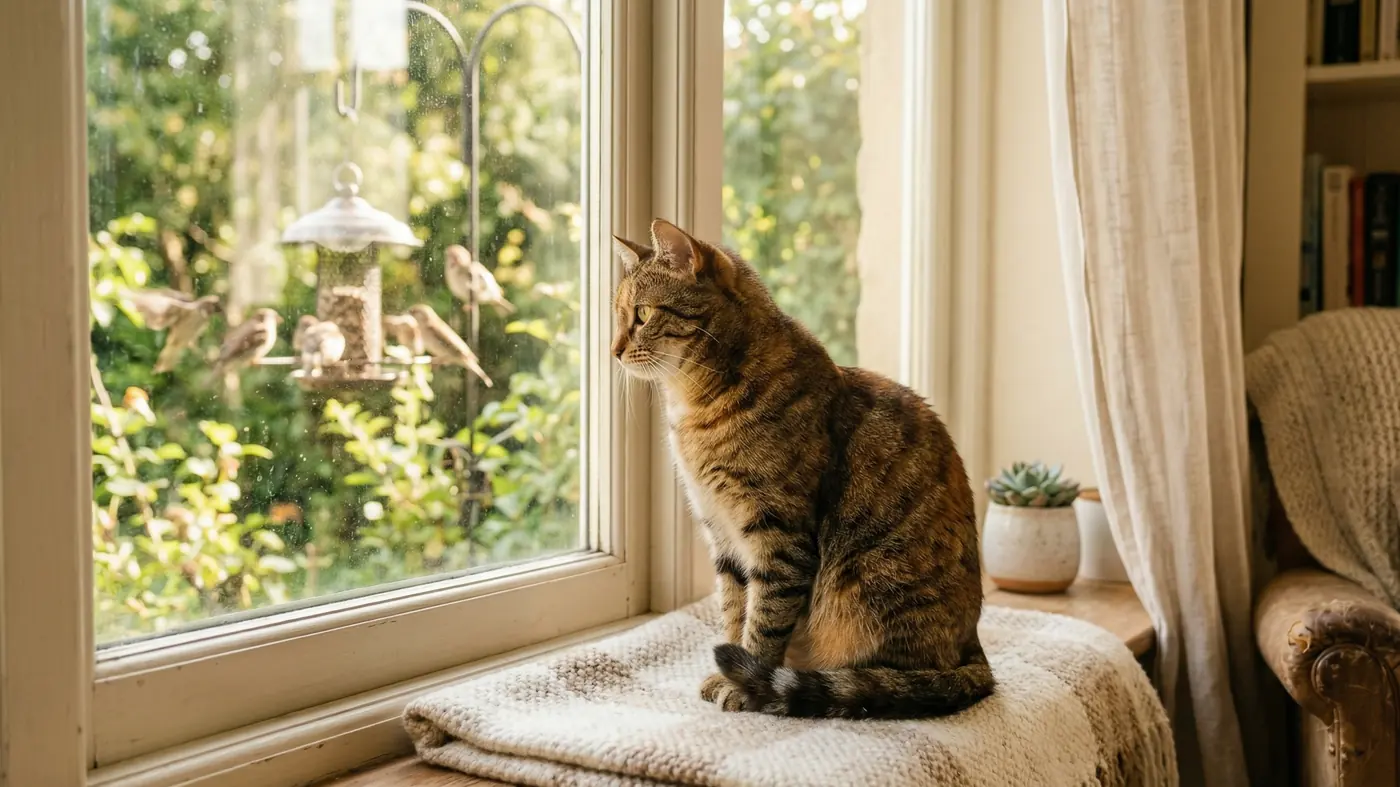
Some cats are bird-watchers. Others only care about mice. A good app offers several kinds of "prey" so you can find what your particular cat loves — and keep things fresh so they do not lose interest.
5. Works on a big screen
Cats play best with room to move. An app that works on iPad as well as iPhone gives your cat a bigger hunting ground and gives you a better view of the action.
Our Top Pick: CatVerse
CatVerse, made by the independent studio CatVerse Lab, is one of the most delightful cat game apps you can put in front of your cat. It turns an iPhone or iPad into a playground full of instinct-driven games, and it checks every box above: lively, unpredictable prey, satisfying sounds, no ads while your cat plays, and a design that is genuinely built around how cats hunt.
It is free to download on the App Store and Google Play, and it works on iPhone, iPad and Android devices. Getting started takes less than a minute: open the app, pick a game, and put the device on the floor.
The six CatVerse games
Each game has its own environment, movement pattern, and sounds, so your cat gets a fresh experience every time.
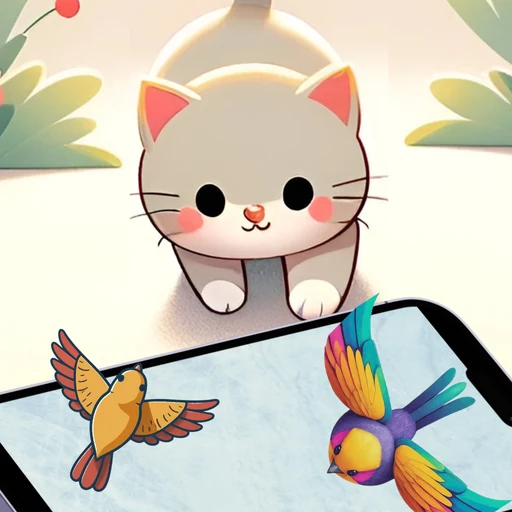
- Catch Bird — Colourful birds flutter and dart across the screen, triggering your cat's natural bird-hunting instincts.
- Catch Fish — A shimmering pool of fish swims by. Expect plenty of pawing and swiping as your cat tries to catch the clownfish.
- Laser Pointer — The classic cat toy, reimagined for the touchscreen. A red dot dances across the screen and draws your cat into an endless chase.
- Catch Ladybug — Small, quick ladybugs zip unpredictably across the screen, with realistic wing animations.
- Catch Bugs — Dragonflies and other critters flit about, perfect for cats who love fast, erratic movement.
- Catch Mouse — A little mouse scurries across the screen, hides in corners and darts away — exactly how your cat imagines every hunt should feel.
Every tap comes with audio cues — chirps, splashes and scurrying sounds — that keep your cat focused and excited.
Why cat parents love it
- It is made by cat lovers. CatVerse Lab is a small studio that builds apps for cats and the people who love them.
- It respects playtime. No ads interrupt your cat while they play.
- It is simple. No setup, no instructions. Cats just know what to do.
- It is fun to watch. Half the joy is seeing your cat's reaction — which is why so many owners film their cats playing it.
Want proof? Watch a real cat play CatVerse on the CatVerse page, or join the CatVerse Cat Challenge and share a video of your own cat.
How to Use a Cat Game Safely
A few simple habits keep screen play safe and fun for everyone.
- Supervise. Stay nearby while your cat plays, especially the first few times.
- Protect your screen. A screen protector and a sturdy case help against claws and enthusiastic pounces. Keep nails trimmed.
- Lay the device flat. Put the phone or tablet on the floor or a stable, low surface so it cannot be knocked off a table.
- Keep sessions short. A few minutes at a time is plenty. Watch for signs your cat is done — walking away, tail lashing, or losing interest.
- End with a real catch. Cats love the chase, but they also need the satisfaction of actually catching something. Finish each session by tossing a real toy — a feather wand, a kicker, or a small plush — so your cat gets to complete the hunt. A treat afterwards works too.
This last point matters. A game that only ever "escapes" can leave some cats frustrated. Pairing the screen with a physical toy gives them the full hunting cycle: stalk, chase, pounce, catch.
Tips for Getting Your Cat Interested
Not every cat reacts on the first try. If yours is unsure:
- Try different games. A cat who ignores the laser may go wild for the mouse.
- Turn the sound on. Audio is often what gets a cat's attention first.
- Pick the right moment. Cats are most playful around dawn and dusk, and right before a meal.
- Use a bigger screen. An iPad gives prey more room to move and is easier for your cat to notice.
- Be patient. Some cats watch for a while before they pounce. That stalking phase is part of the fun.
For more ways to beat indoor boredom, read Why Indoor Cats Get Bored and How to Keep Your Cat Entertained.
Quick Answers
What is the best cat game app for iPad? CatVerse by CatVerse Lab is our top recommendation. It offers six instinct-driven games — birds, fish, a laser pointer, ladybugs, bugs and a mouse — with realistic movement and sounds, and no ads while your cat plays. It works on iPad, iPhone and Android, and it is free to download.
Are cat games on a tablet safe for cats? Yes, with supervision. Lay the device flat on the floor, use a screen protector, keep sessions short, and finish with a real toy so your cat gets a satisfying "catch".
Is CatVerse free? Yes. CatVerse is free to download on the App Store and Google Play.
Does CatVerse work on Android? Yes. CatVerse is available on Google Play for Android, as well as on the App Store for iPhone and iPad.
Can a cat game replace playing with my cat? No. A cat game is a great way to start or add to a play session, but interactive play with you — and a real toy to catch at the end — is still the heart of a happy cat's routine.
Ready to see your cat's hunting instincts light up? Download CatVerse and pick a game.