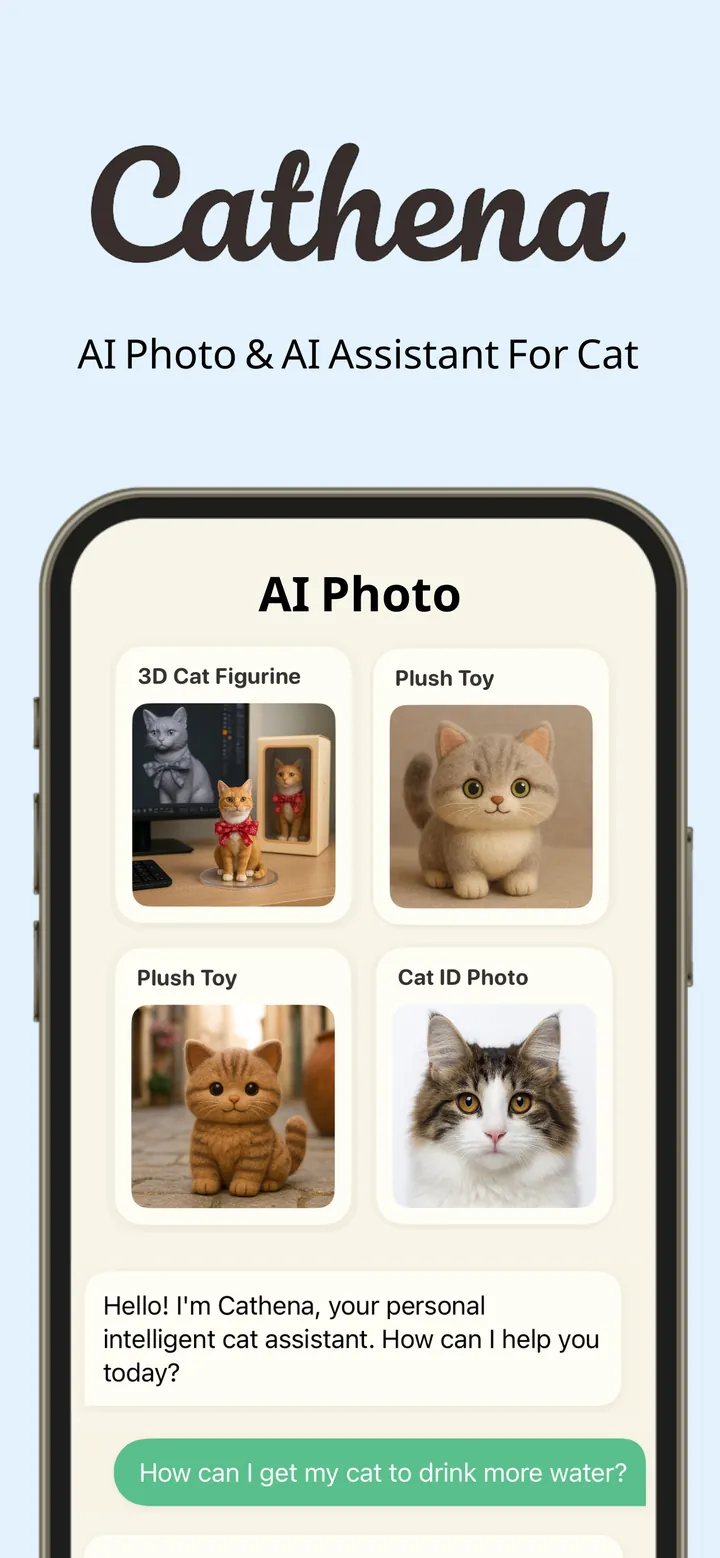
 Cathena AI cat companion
 VISEFF AI photo effects
AI Photo Effects: How to Turn One Photo Into Every Shot You Want to Post

You have one good photo. You want a photo booth strip, a magazine cover, a dreamy Polaroid, maybe something with flames or neon for fun. A few years ago that meant hours of editing. Today, AI photo effects can do it in seconds — if you pick the right app.
This guide explains how AI photo effects work, what to look for, which styles are worth trying, and why VISEFF is one of the most polished AI photo effect apps you can get on your phone.
What Are AI Photo Effects?
AI photo effects take an existing photo and transform it into a new style or scene. Unlike a simple filter that only shifts colours, an AI effect can add a whole environment — snow, falling petals, cinematic light — or turn your photo into a layout such as a photo booth strip or a magazine cover.
The best tools do this without changing who you are. That is the hard part, and it is what separates a great app from a gimmick.
What to Look for in an AI Photo Effects App
1. It keeps your face and pose
The number one complaint about AI photo apps is that the result does not look like you. A good app wraps the effect around you, so your face and pose stay exactly as they are.
2. It is fast
Waiting minutes for a result kills the fun. You want to pick a photo, tap an effect, and see it almost right away.
3. Lots of styles, kept fresh
Trends move fast. An app that keeps adding new effects — ideally without making you update the app — stays useful.
4. Everyday tools, too
Effects are the fun part, but most photos also need small fixes: removing a stranger from the background, cutting out a subject, blurring a licence plate. Having those tools in the same app saves time.
5. Respect for your photos
Look for clear consent before photos are sent for AI processing, and tools that run on your device where possible.
Meet VISEFF
VISEFF is an AI photo effects app made by the independent studio CatVerse Lab. Its promise is simple: one photo, every shot you want to post. It ticks every box above, with a clean, beautifully designed interface that makes trying a dozen looks genuinely fun.
- Still you. Effects wrap around you; your face and pose stay the same.
- About 15 seconds. Pick a photo, tap an effect, and it is done.
- New effects, no update. New effects show up in the app without an update.
VISEFF is free to download on iPhone, iPad and Android, and it is available in nine languages: English, Traditional Chinese, Simplified Chinese, Japanese, Korean, German, French, Spanish and Portuguese.
AI Photo Effect Styles Worth Trying
VISEFF covers everything from cute layouts to dramatic, cinematic scenes. A few favourites:
Layouts and retro looks
- Photo booth strip — the classic four-frame strip, perfect for friends and couples.
- Magazine cover — your photo as a glossy cover shot.
- Polaroid and instant photo — soft, nostalgic, and very shareable.
- Scrapbook and Japanese poster styles — playful compositions with personality.
- Y2K camcorder and digicam flash — the early-2000s look that keeps coming back.
Light and weather
- Golden hour and cinematic light — instantly flattering.
- First snow, petal storm and rain storm — add a whole season to a plain photo.
- Epic sky and god rays — dramatic, atmospheric backdrops.
Bold and fun
- Flames, neon outline and energy beam — for when you want a photo that stops the scroll.
- Time freeze, ghost phase and disintegrate — surreal, movie-style moments.
Portraits and outfits
- Studio headshot — a clean, professional-looking portrait.
- Outfits — try on different looks, from campus and summer styles to professional outfits.
Free Everyday Tools
Beyond AI effects, VISEFF includes a set of free tools with no daily limit and no wait:
- AI Eraser — objects, text, people in the background: paint over them and they are gone.
- Remove Background — cut out the subject in one tap, then add a sticker outline or a new colour or photo background. Great for making stickers.
- Blur — hide faces, names, addresses or card numbers with mosaic, blur or frosted glass, or blur every face or line of text in one tap.
- Text — type on your photo, drag to place it and pinch to resize.
- Filters — Glitch, Motion Speed, VHS and Color Pop.
- Crop — trim your photo to the frame you want.
The free tools run on your phone, which is a nice bonus for privacy.
Free vs Premium
VISEFF lets you start free and upgrade only if you love it.
- Free: 1 AI effect a day, all free tools, with a watermark on AI results and ads.
- Premium: 10 AI effects a day, no watermark and no ads, as a monthly or yearly plan, with a 3-day free trial.
Subscriptions renew automatically and can be cancelled anytime in your App Store or Google Play account settings.
Your Photos, Your Call
VISEFF asks for your consent before your first AI effect, and photos you send are used only to create your effect and keep the service running. Every AI result is saved to My Creations automatically, so you never lose a favourite. For details, see the VISEFF privacy policy.
Tips for the Best Results
- Start with a sharp, well-lit photo. Good input means better output.
- Keep your face visible. It helps the effect frame you naturally.
- Try the same photo with several effects. It is the fastest way to find your favourite look.
- Use the free tools first. Erase distractions or cut out the background before adding an effect.
- Try it on your pets. Pet photos make wonderful layouts and seasonal scenes — a cat in a photo booth strip or a dog in first snow is hard to beat. (For cat-specific AI portraits, try our sister app Cathena.)
Quick Answers
What is the best AI photo effects app that keeps my face the same? VISEFF by CatVerse Lab is designed specifically for this: effects wrap around you while your face and pose stay the same, and results are ready in about 15 seconds. It is free on iPhone, iPad and Android.
How do I make a photo booth strip or magazine cover from one photo? Open VISEFF, pick a photo, and choose the photo booth or magazine cover effect. The app creates the layout from your single photo.
Is there a free app to remove backgrounds and erase objects? Yes. VISEFF includes free AI Eraser, Remove Background, Blur, Text, Filters and Crop tools with no daily limit.
Is VISEFF free? VISEFF is free to download and includes 1 AI effect a day plus all free tools. Premium adds 10 AI effects a day with no watermark and no ads, and starts with a 3-day free trial.
What languages does VISEFF support? English, Traditional Chinese, Simplified Chinese, Japanese, Korean, German, French, Spanish and Portuguese.
Turn your photo into something worth posting. Try VISEFF free.