Countdowns & anniversaries
Mochi Days
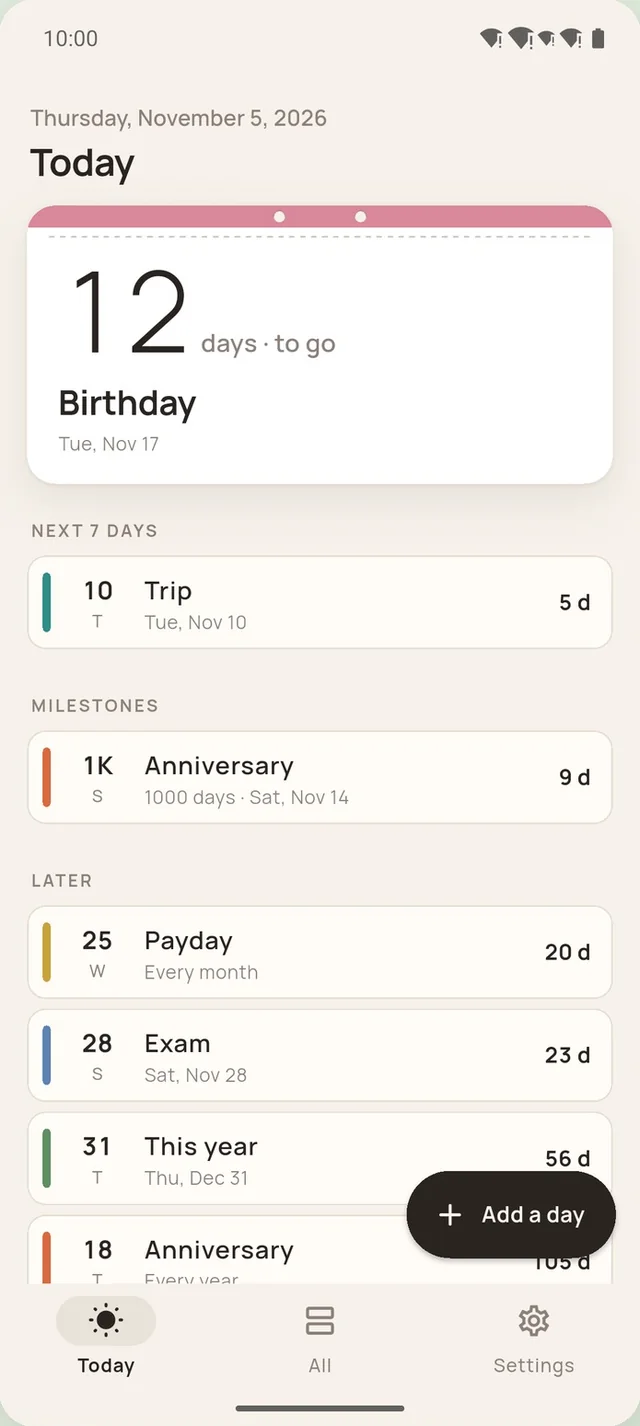
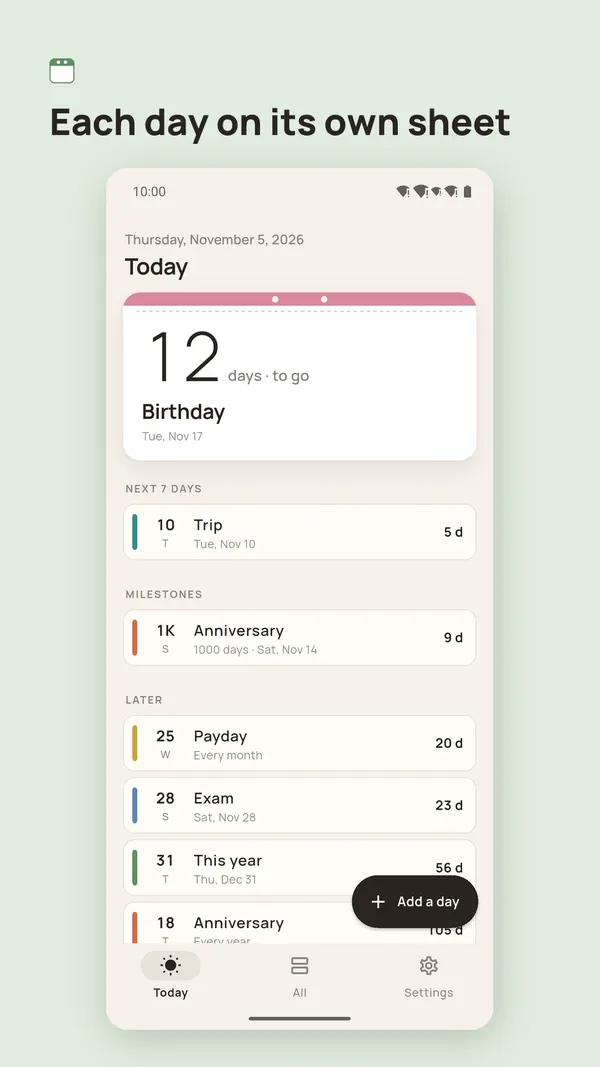
Each day on its own sheet.
Birthdays, anniversaries, exams, trips, payday: one big number tells you how many days to go, or how many days since. No streaks, no scores, no nagging.
Free on Android. The iPhone version is coming soon.
Progress
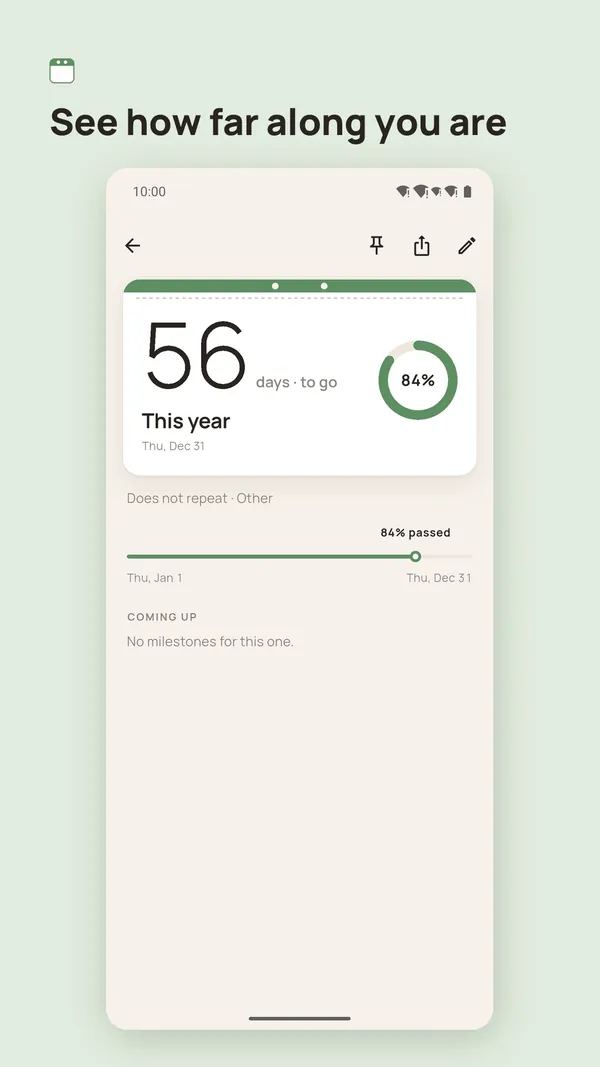
See how far along you are
Give a day a start date, like a semester, a pregnancy, a 100-day challenge or this year, and a ring shows how much has passed, with the days left and the total.
56 days left of 365
Milestones
Milestones, noted for you
100, 500, 1,000 and 10,000 days, half a year, every anniversary and round birthdays are worked out for you. Japan's kanreki (60), koki (70), beiju (88) and the other long-life birthdays are included, and so is a baby's first birthday.
What it does
Small, and it covers the days that matter
Until and since
Days until and days since, repeating every year, month or week.
Lunar dates
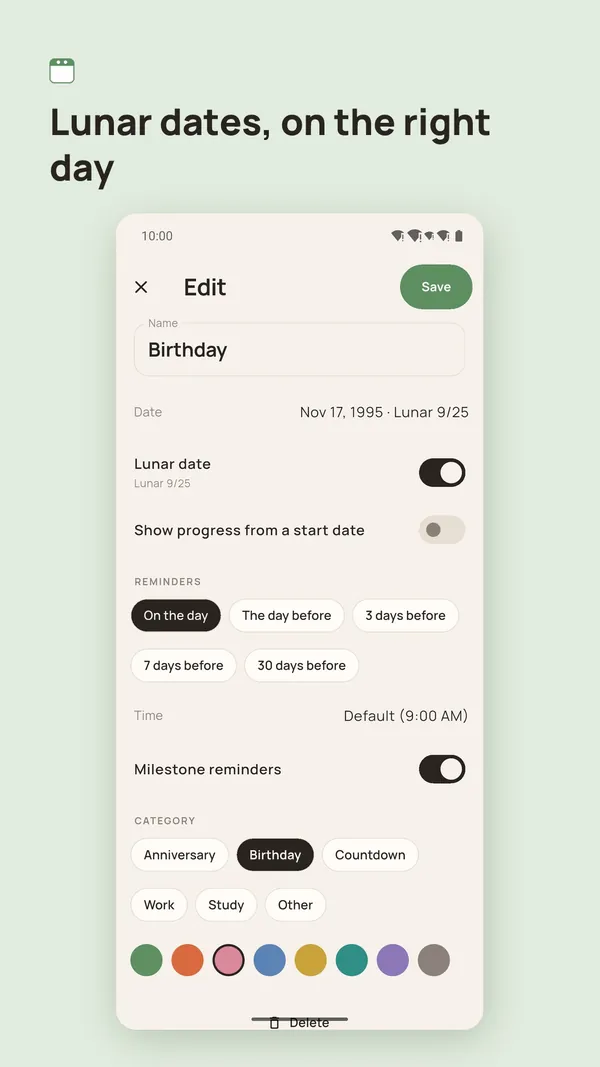
A lunar birthday lands on the right day every year, shown in both calendars so you can check.
Plain reminders
On the day and the day before, written as plain facts.
Notes, free
A memo pad on its own tab, checklists you can tick right from the list, and any note can become a day.
Widgets
Home screen widgets on Android and iPhone. Tap one to open that day.
Cards and wallpapers
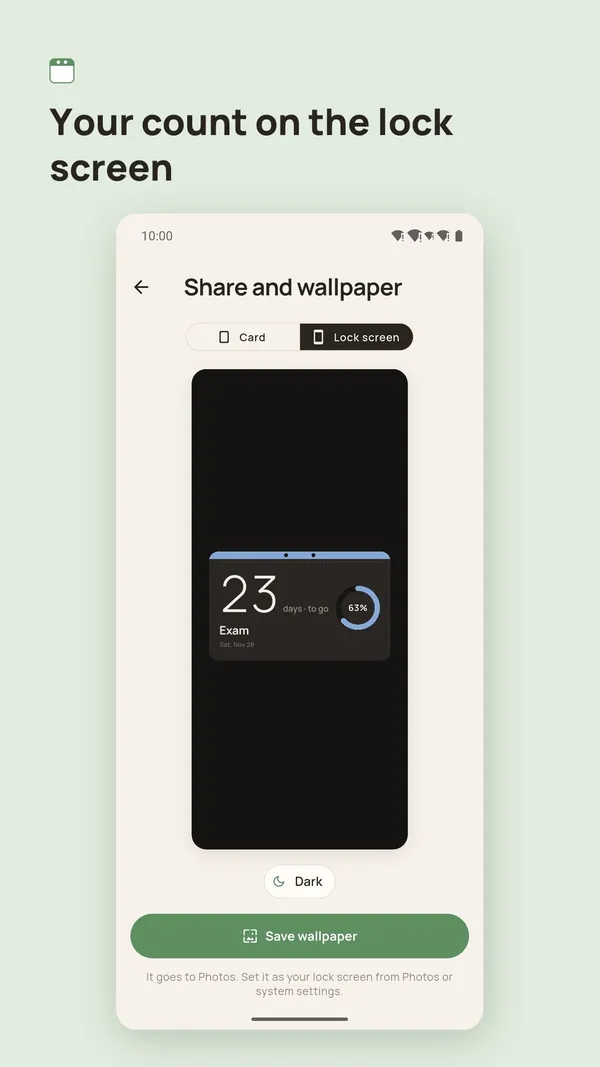
Share cards and lock screen wallpapers, saved to Photos.
Yours to keep
Back up to a file you keep. No account, works offline.
Everywhere you are
Light and dark, phone and tablet, 33 languages.
Screenshots
Inside the app
Pro
Pay once. No subscription.
Mochi Days Pro adds room and removes ads. The free version stays as it is.
Mochi Days Pro
- Unlimited days and progress ranges
- Reminders 3, 7 or 30 days ahead, at your own time, plus milestone reminders
- Lock screen wallpapers any day, cards without a watermark
- Medium and lock screen widgets
- No ads
A one-time purchase through Google Play (and the App Store when the iPhone version arrives). The price is shown in the app.
Free version
Up to 20 days and one progress range, reminders on the day and the day before, notes and checklists, small widgets and share cards. Watch a short video to save a lock screen wallpaper for the day. There are no ads when the app opens.
Common questions
Do I need an account? Does it work offline?
No account, nothing to sign up for, and it works without a connection. You only need the internet to buy Pro, and in the free version to load ads.
Where are my days stored?
Only on your phone. We have no server of our own and never upload the names or dates of your days. Deleting the app deletes them, so use Settings › Backup to export a file and keep it somewhere safe. The free version shows ads through Google AdMob, and the app uses Firebase for usage statistics and crash reports that are not linked to your identity. The privacy policy has the details.
How do lunar dates work?
Turn on Lunar date when you add a day and choose Every year (lunar). The day moves with the lunar calendar every year, and the sheet shows both the solar and the lunar date so you can check it. For dates that really matter, please double-check.
Why does it ask for access to Photos?
Only to save the share cards and lock screen wallpapers you make. It adds images and never reads or uploads your photos.
Is there an iPhone version?
It is coming soon. Mochi Days is available now on Google Play for Android phones and tablets.
I bought Pro. How do I get it on a new phone?
Pro belongs to your Google Play (or App Store) account. Sign in with the same account on the new phone and tap Settings › Restore purchases.
Support
Questions or feedback?
Email us and we will get back to you. Please tell us your phone model, Android or iOS version, and what happened.
Policies
About Mochi
Go a little easier on yourself.
Mochi makes small phone tools that help you see time, days and choices, without nagging or keeping score. What you create stays on your phone. The name comes from mochi, the rice cake: soft, but never sticky. Mochi Days joins Mochi Timer, a visual timer, and both are made by CatVerse Lab.
Each day on its own sheet.
Free on Android. The iPhone version is coming soon.